Guides and help
How to install Tarn, write and find notes, sync your Macs and connect an AI app. Can't find an answer? Write to Léa.
Try
Guides
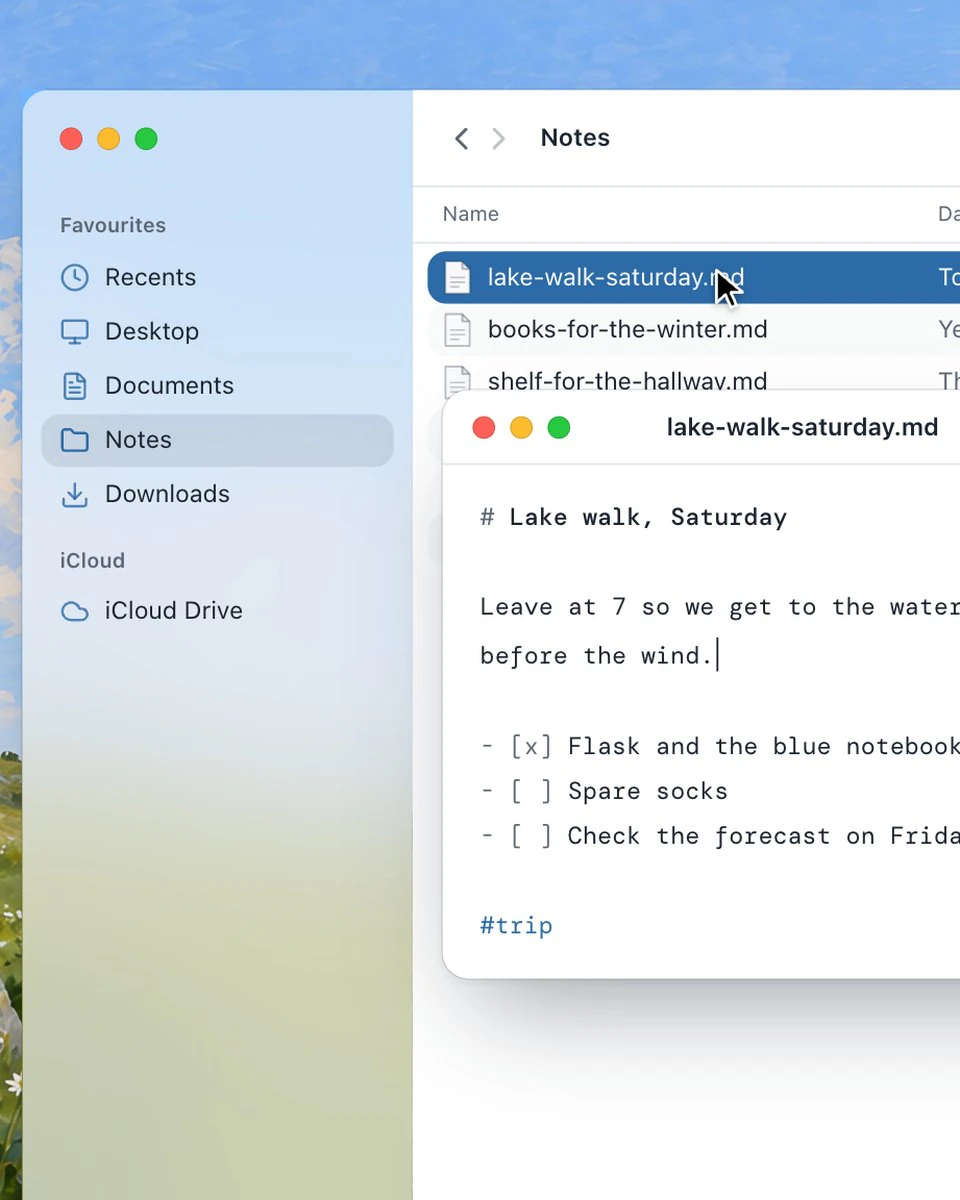 Install TarnDownload it, move it to Applications and pick a folder for your notesGetting started · 4 steps
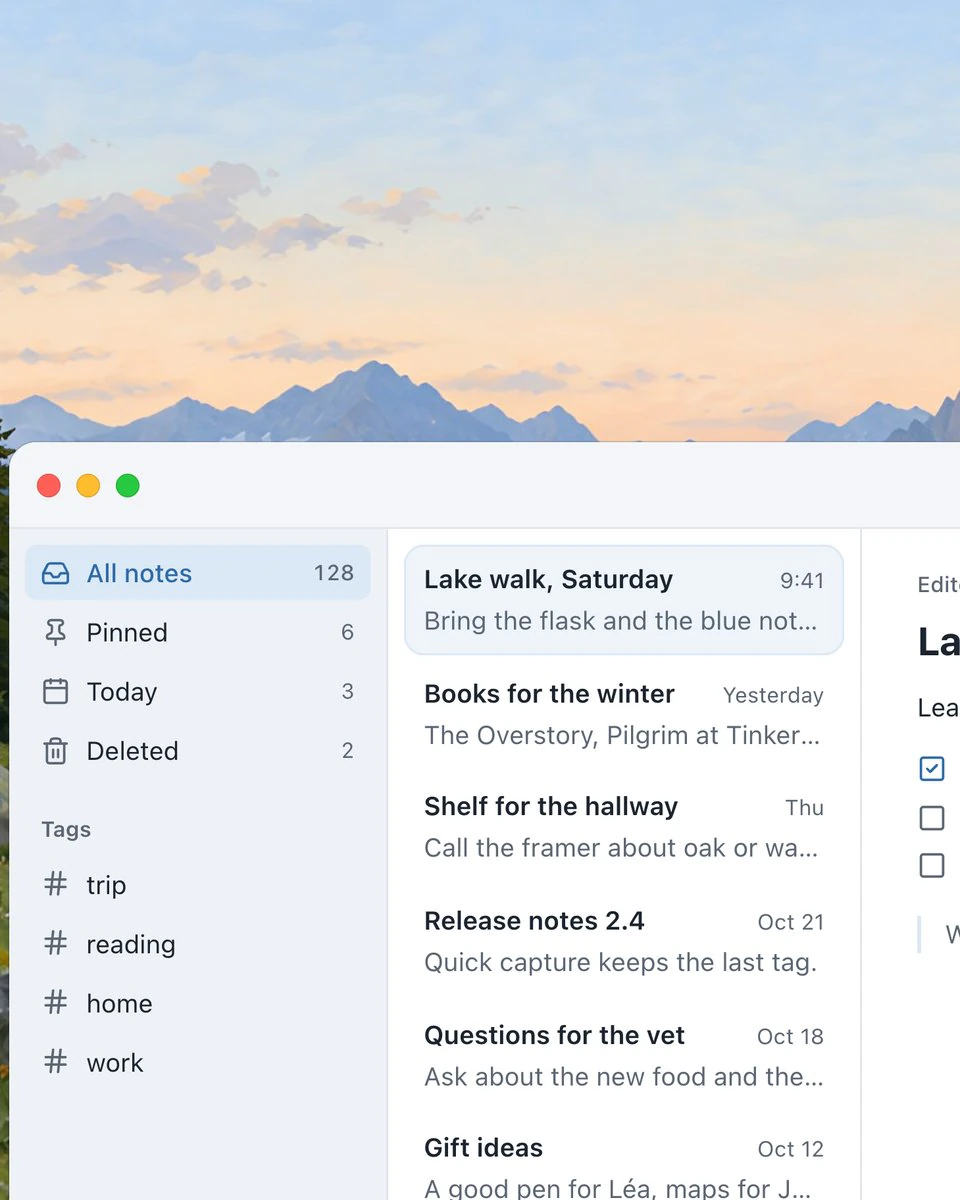 Write a note from any appQuick capture opens over whatever you're doingGetting started · 4 steps
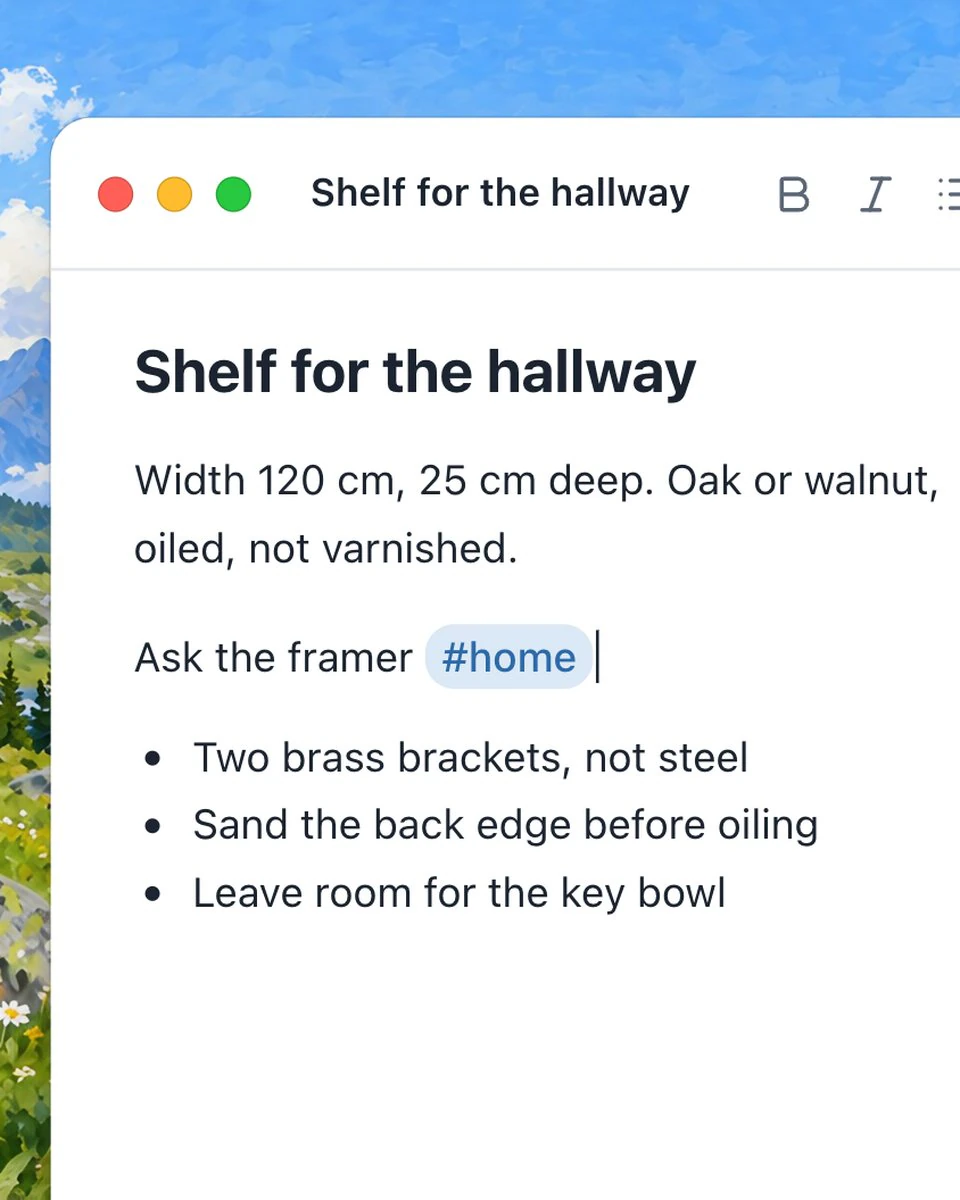 Tag notes as you typeType # anywhere in a noteNotes · 4 steps
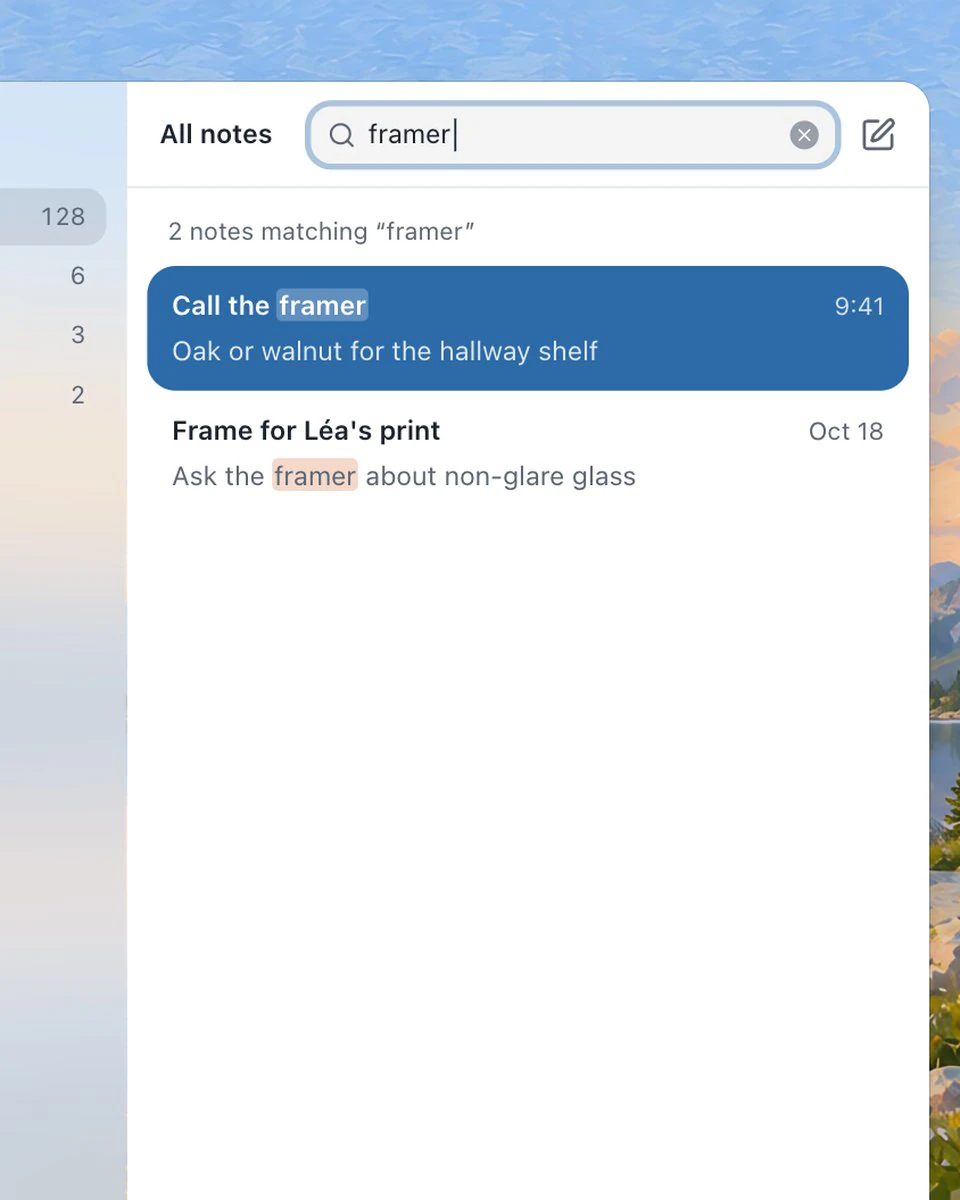 Find a noteSearch titles, text and tagsNotes · 3 steps
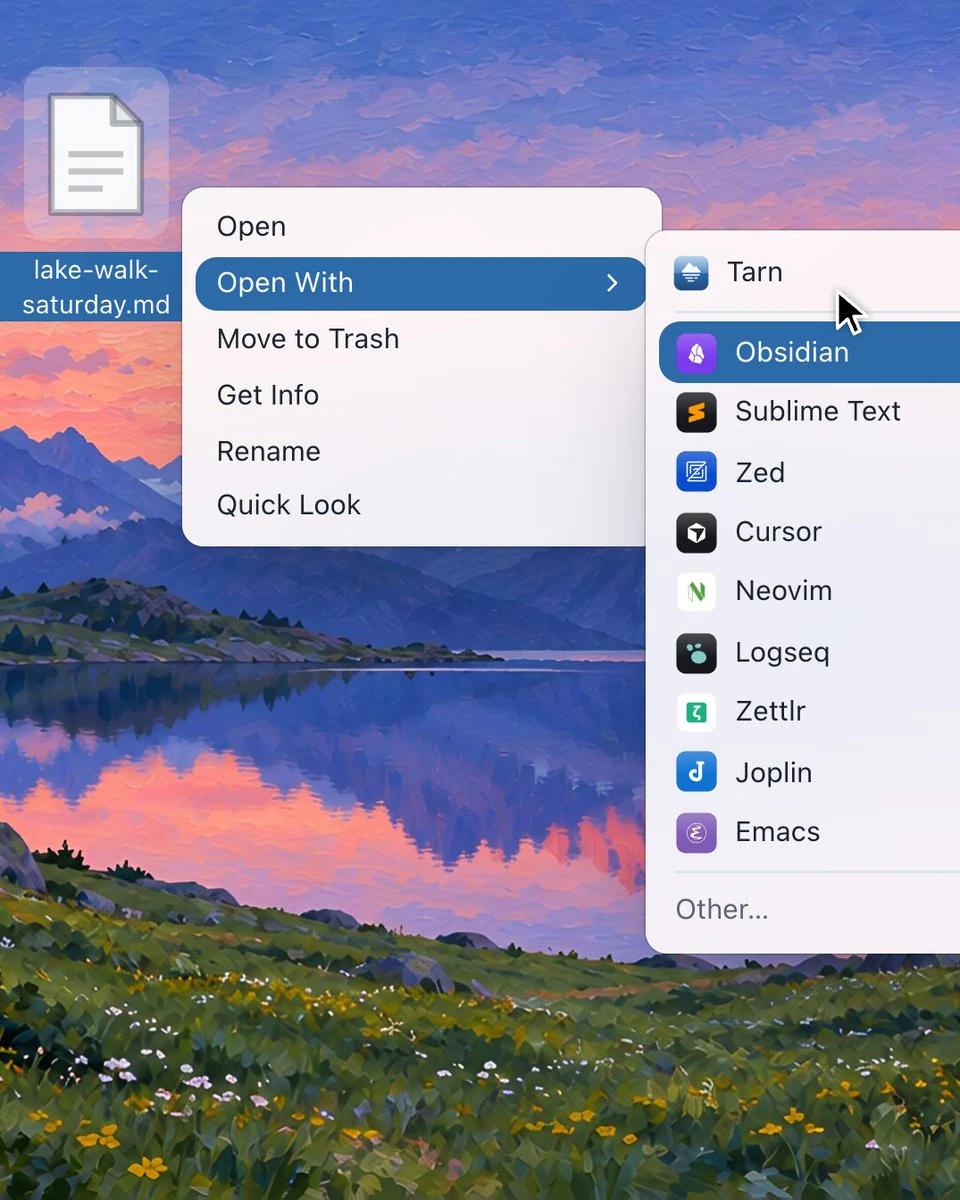 Open notes in another editorEvery note is a Markdown file in your folderNotes · 3 steps
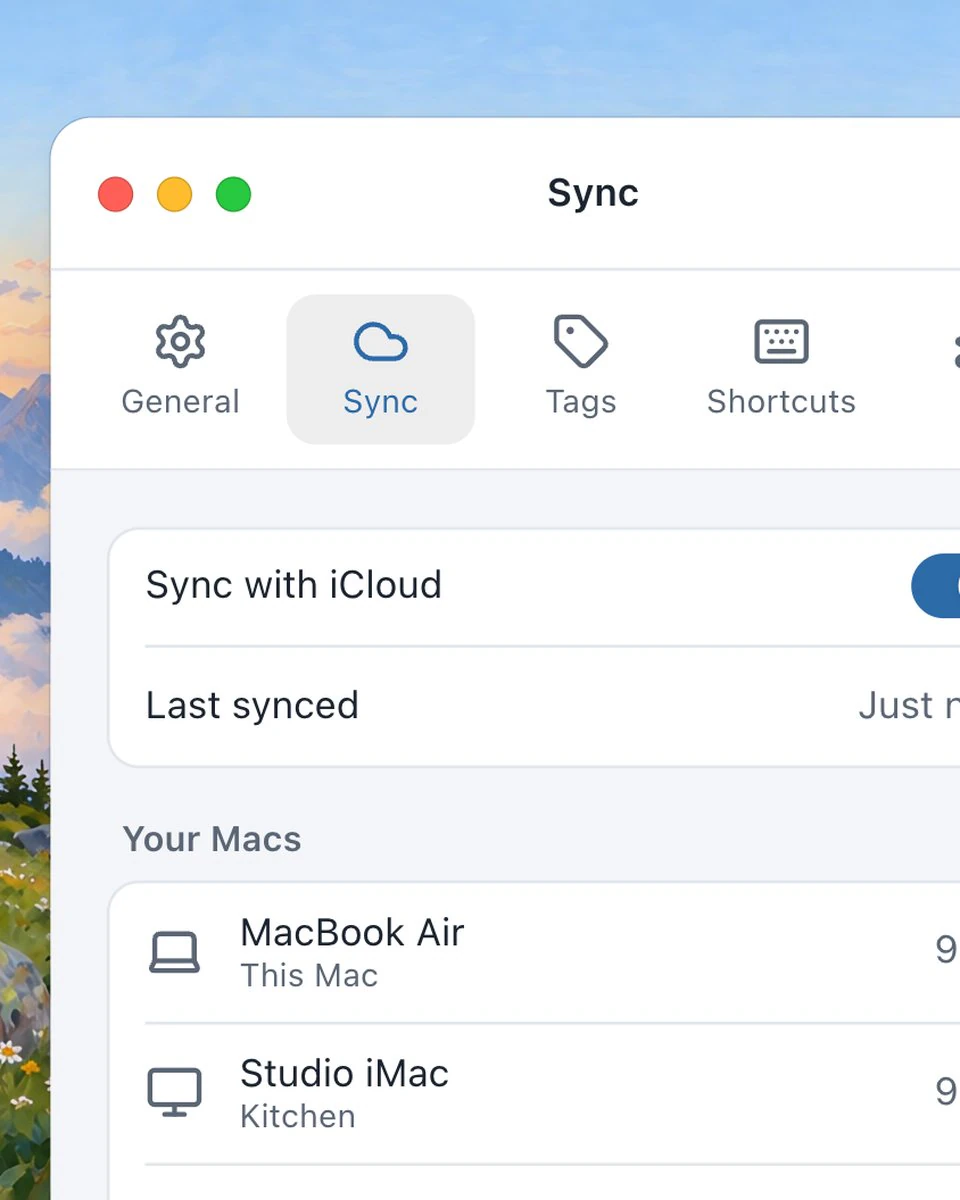 Sync between your MacsWith iCloud, no accountSync · 4 steps
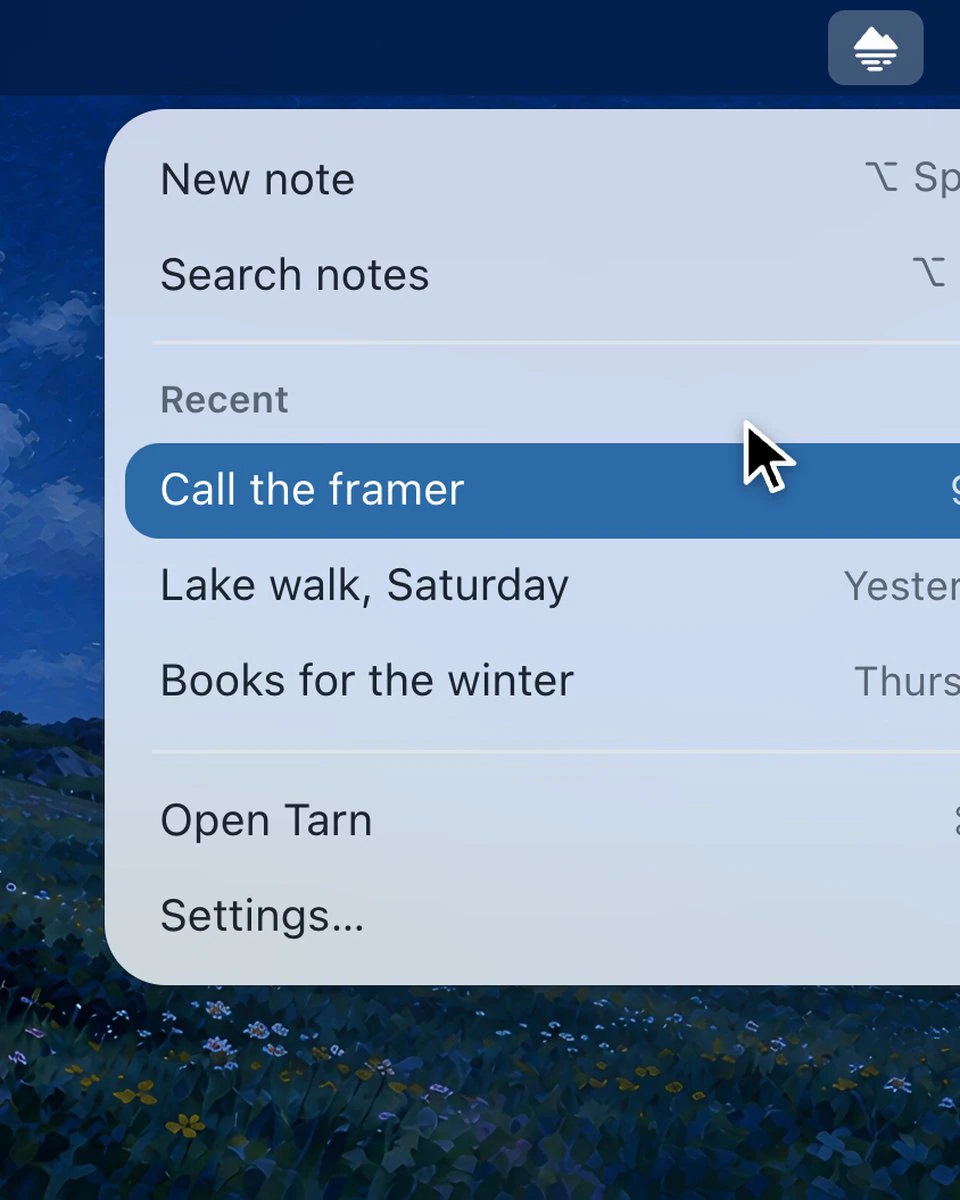 Use Tarn from the menu barYour last five notes, one click awaySync · 3 steps
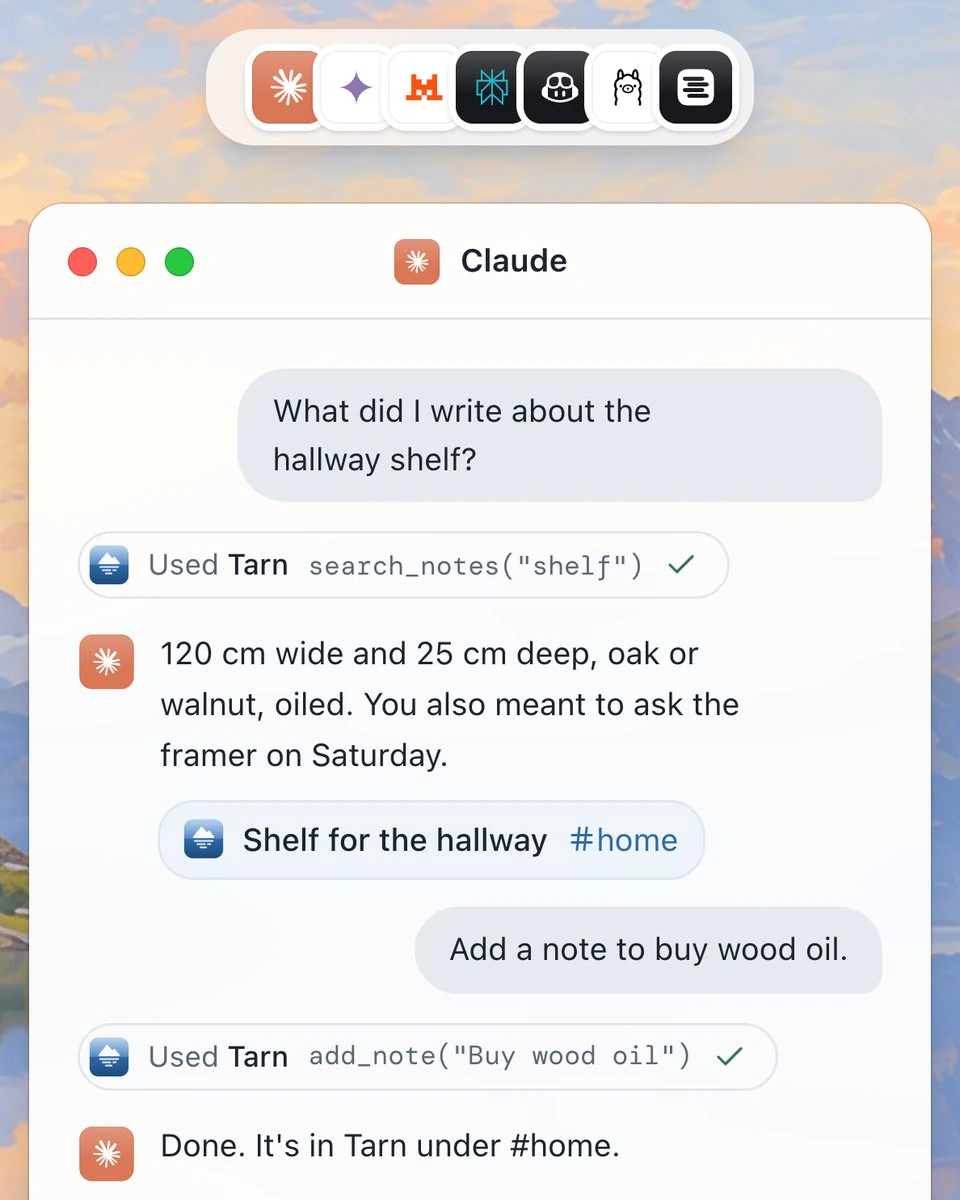 Connect your AI appOver MCP, with no AI feeAI · 4 stepsKeep AI on your MacUse a local model with Ollama or LM StudioAI · 3 steps
Common problems
Something else? Léa answers every email within one working day.
Email LéaAnother app may use the same shortcut. Open Tarn's Settings, choose Shortcuts and pick a different one.