All guides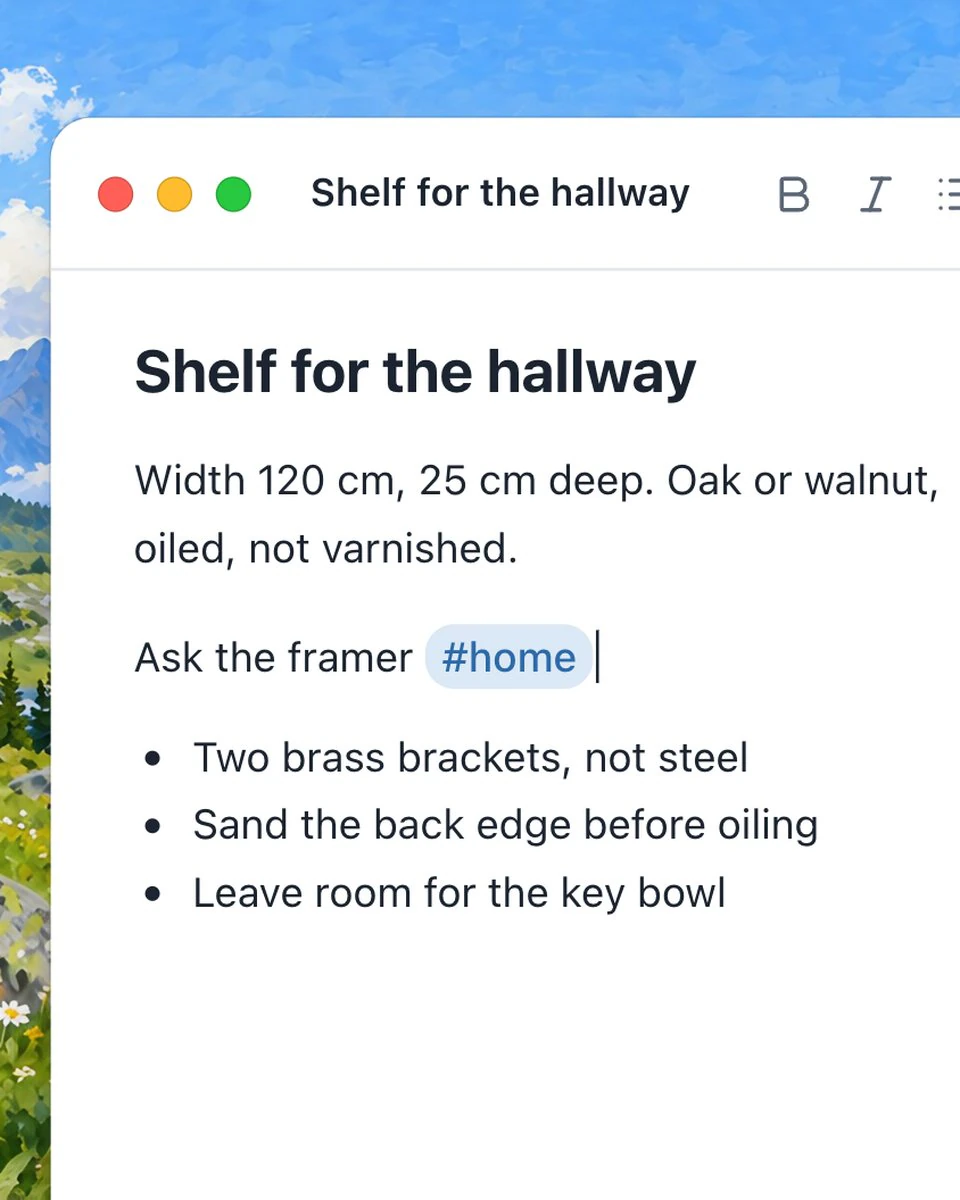
Notes
Tag notes as you type
Type # anywhere in a note
- Since
- Tarn 2.3
- 1Type # anywhere in a note. Your tags appear as you type.
- 2Pick a tag, or keep typing a new one, then press Return.
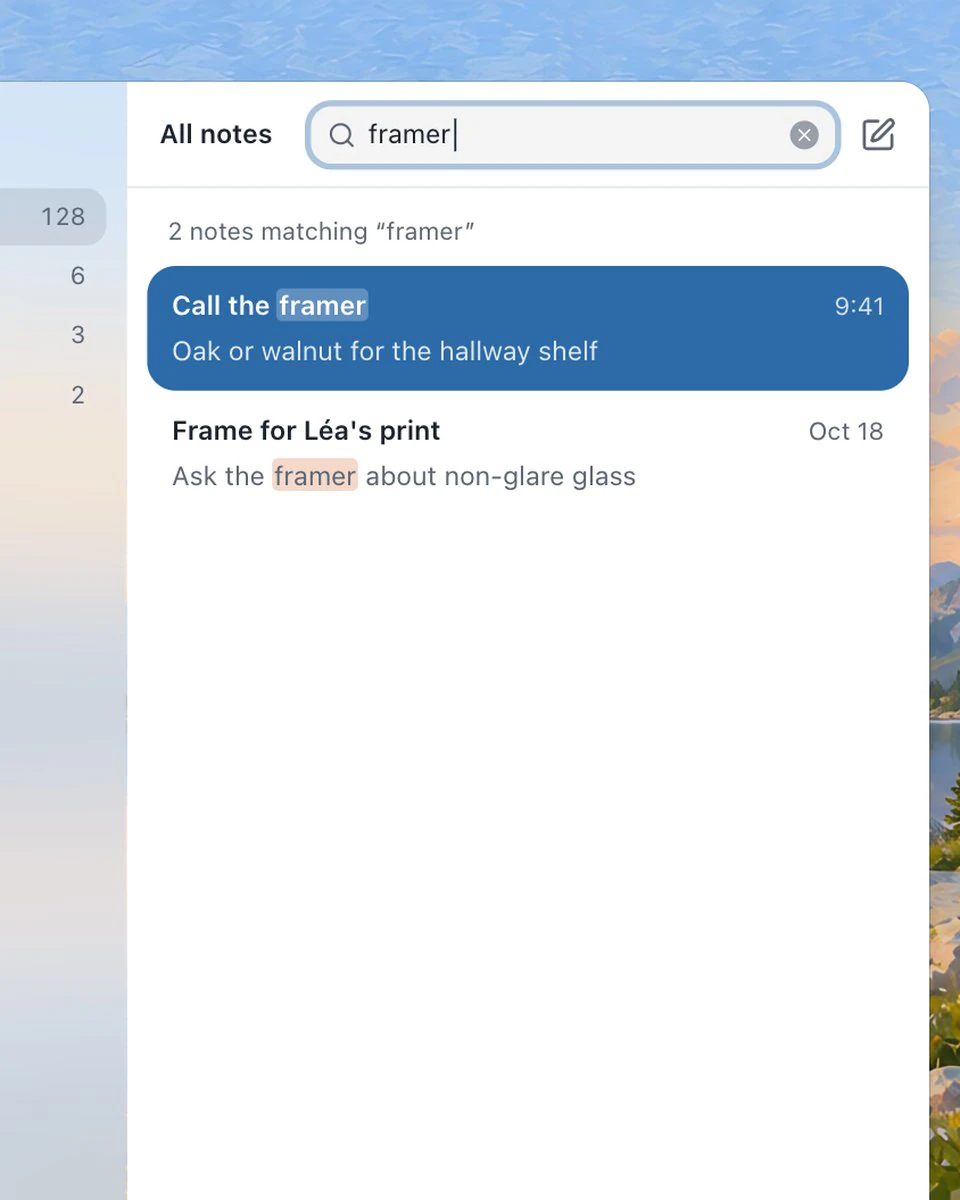
- 3The sidebar shows each tag and how many notes it holds.
- 4Rename a tag in the sidebar, and every note that uses it updates.