Skip to content
All guides

Getting started

Write a note from any app

Quick capture opens over whatever you're doing

Shortcut
⌥ Space
  1. 1Press ⌥ Space. The capture panel opens over the app you're in.
  2. 2Type your note. Type # to add a tag.
  3. 3Press Return to save. Tarn keeps the last tag you used for the next note.
  4. 4To change the shortcut, open Settings and choose Shortcuts.
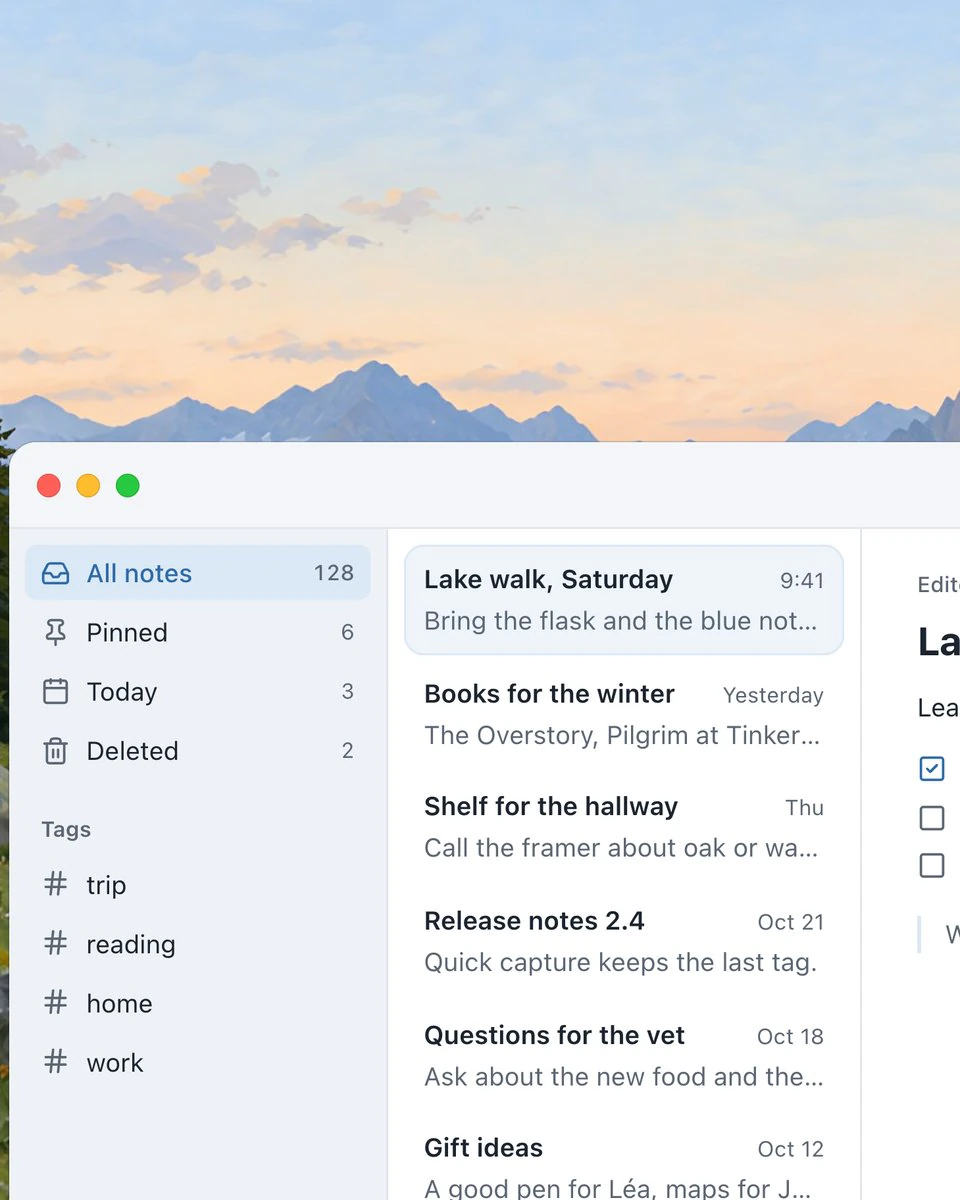
Tarn's window with the note list beside an open note

Still stuck? Write to me.

I'm Léa, and I make Tarn on my own in Annecy. I read every email and reply within one working day. Tell me which guide you followed and what you saw.

Léa Morel writing at a desk by the lake
Léa Morel, who makes Tarn

Press Option Space and write it down.

Free for 14 days, then $29 once. macOS 14 or later. Apple silicon and Intel.

Works with the AI app you already pay for