Skip to content
All guides

AI

Keep AI on your Mac

Use a local model with Ollama or LM Studio

Leaves your Mac
Nothing
  1. 1Install Ollama or LM Studio and download a model.
  2. 2In Tarn's Settings, choose AI and pick the local app.
  3. 3Your notes and the model both stay on your Mac.
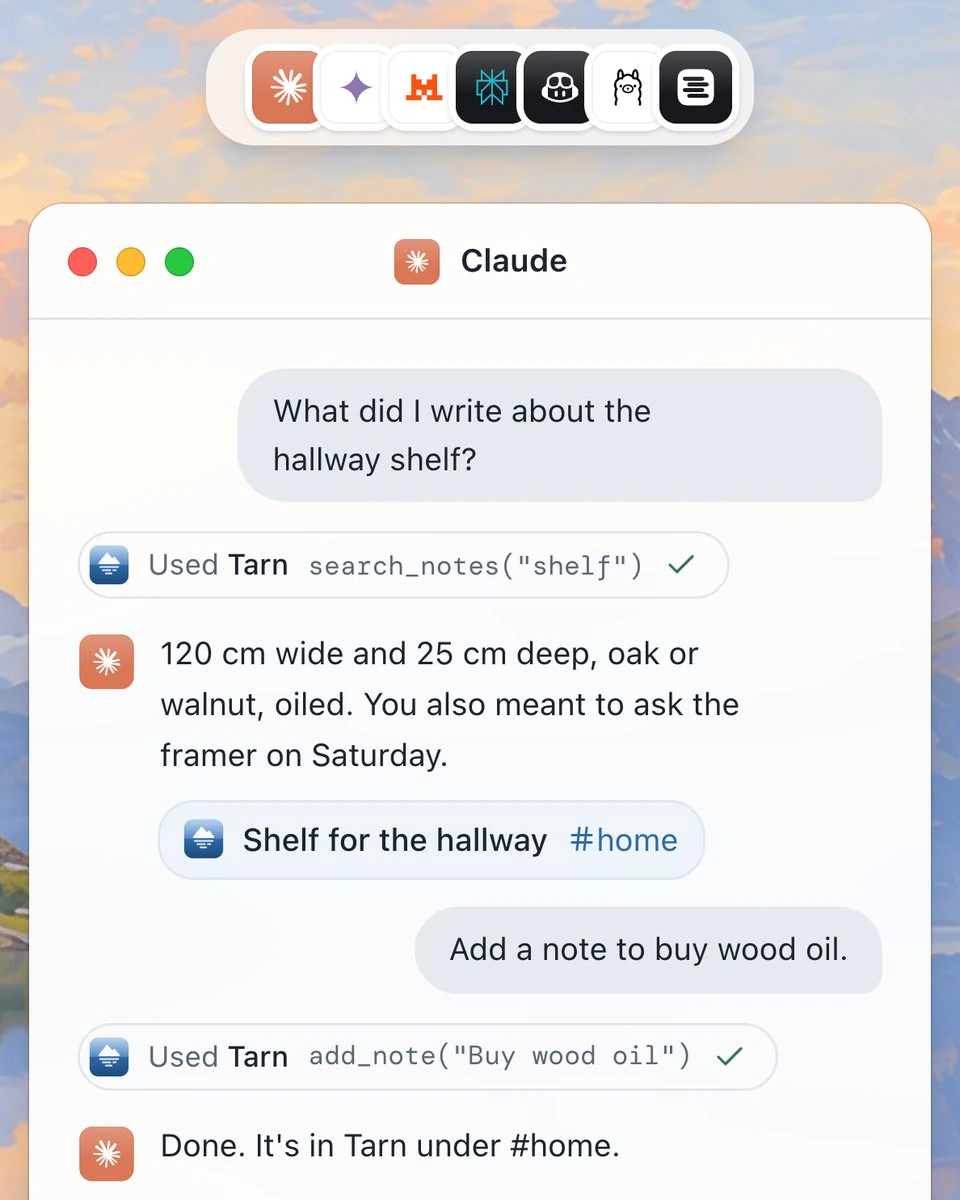
Claude searching Tarn notes and adding a new one

Still stuck? Write to me.

I'm Léa, and I make Tarn on my own in Annecy. I read every email and reply within one working day. Tell me which guide you followed and what you saw.

Léa Morel writing at a desk by the lake
Léa Morel, who makes Tarn

Press Option Space and write it down.

Free for 14 days, then $29 once. macOS 14 or later. Apple silicon and Intel.

Works with the AI app you already pay for